Claude Agent SDK vs Managed Agents Compared
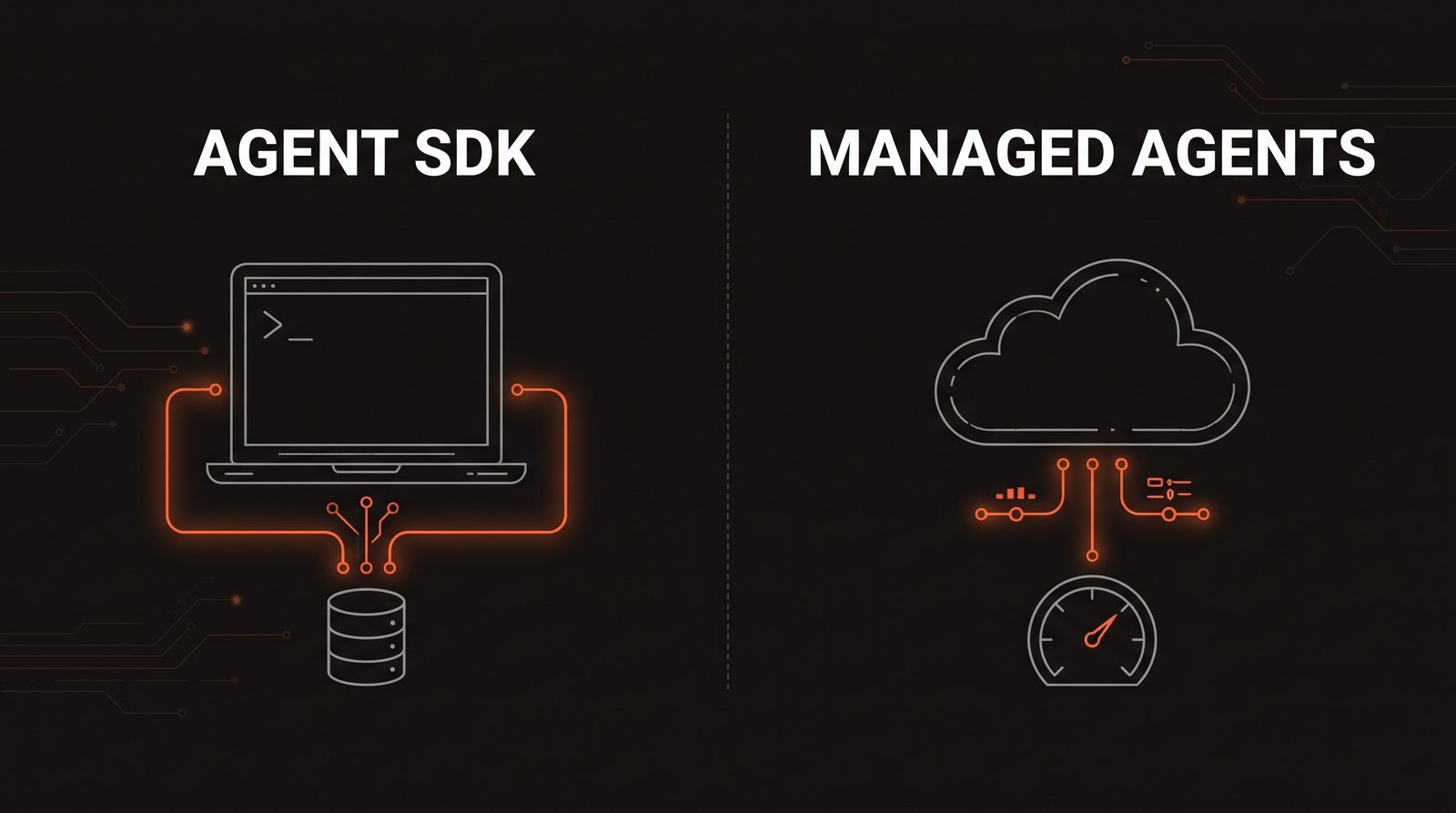
Two Ways to Run a Claude Agent in Production
If you're building anything on Claude right now, there are two real options for running an agent loop in production: the Claude Agent SDK, and Anthropic's newer Managed Agents. Both give you a Claude-powered agent with tools, memory, and multi-turn conversations.
This post covers what each one actually is, then compares them on the two things that matter most once an agent is live: where the session lives, and who tracks the spend.
What Is the Claude Agent SDK?
The Claude Agent SDK (formerly the Claude Code SDK) is a library, available for Python (claude-agent-sdk) and TypeScript (@anthropic-ai/claude-agent-sdk), that runs the same agent loop Claude Code itself uses, inside a process you host. It ships with the built-in tools (Read, Edit, Bash, Grep, and friends), hooks, subagents, MCP support, and fine-grained permissions.
Sessions in the Agent SDK are written to local disk automatically. Each run returns a session_id on the result message, and you resume that exact conversation later with resume, continue the most recent one with continue, or branch off an existing session with fork_session. If a session needs to survive a restart on a different machine, you plug in a SessionStore adapter, or just move the transcript file yourself.
from claude_agent_sdk import ClaudeSDKClient, ClaudeAgentOptions
async with ClaudeSDKClient(options=ClaudeAgentOptions()) as client:
    result = await client.query("Audit this repo's error handling")
    session_id = result.session_id   # save this to resume later
    print(result.total_cost_usd)     # cost is reported, not enforced
That last line matters: the Agent SDK tells you what a run cost, but it has no concept of a budget. If an agent gets stuck in a loop calling tools, nothing stops it. You're watching total_cost_usd after the fact, in your own logs, on your own infrastructure.
When to use the Agent SDK:
- You already have infrastructure (a queue, a database, a deploy target) and don't want a second system managing agent state
- You need full control over tool permissions, custom tools, or non-standard hosting (edge, on-prem, airgapped)
- Cost monitoring is something your own observability stack already handles
What Is Managed Agents?
Managed Agents (currently in beta, behind the managed-agents-2026-04-01 header) flips the hosting model. Instead of your process owning the session, Anthropic stores session state server-side. There's no session store to write, no database for transcripts, and no question of where a long-running conversation "lives" between requests.
Managed Agents also answers the "who tracks the money" question directly. Every session carries a usage object (token counts, cumulative cost via list_cost, and active_seconds), and you can attach a session budget to it. Set a hard cost cap on a session, and Managed Agents stops the session itself when that cap is hit, instead of you finding out after the invoice arrives.
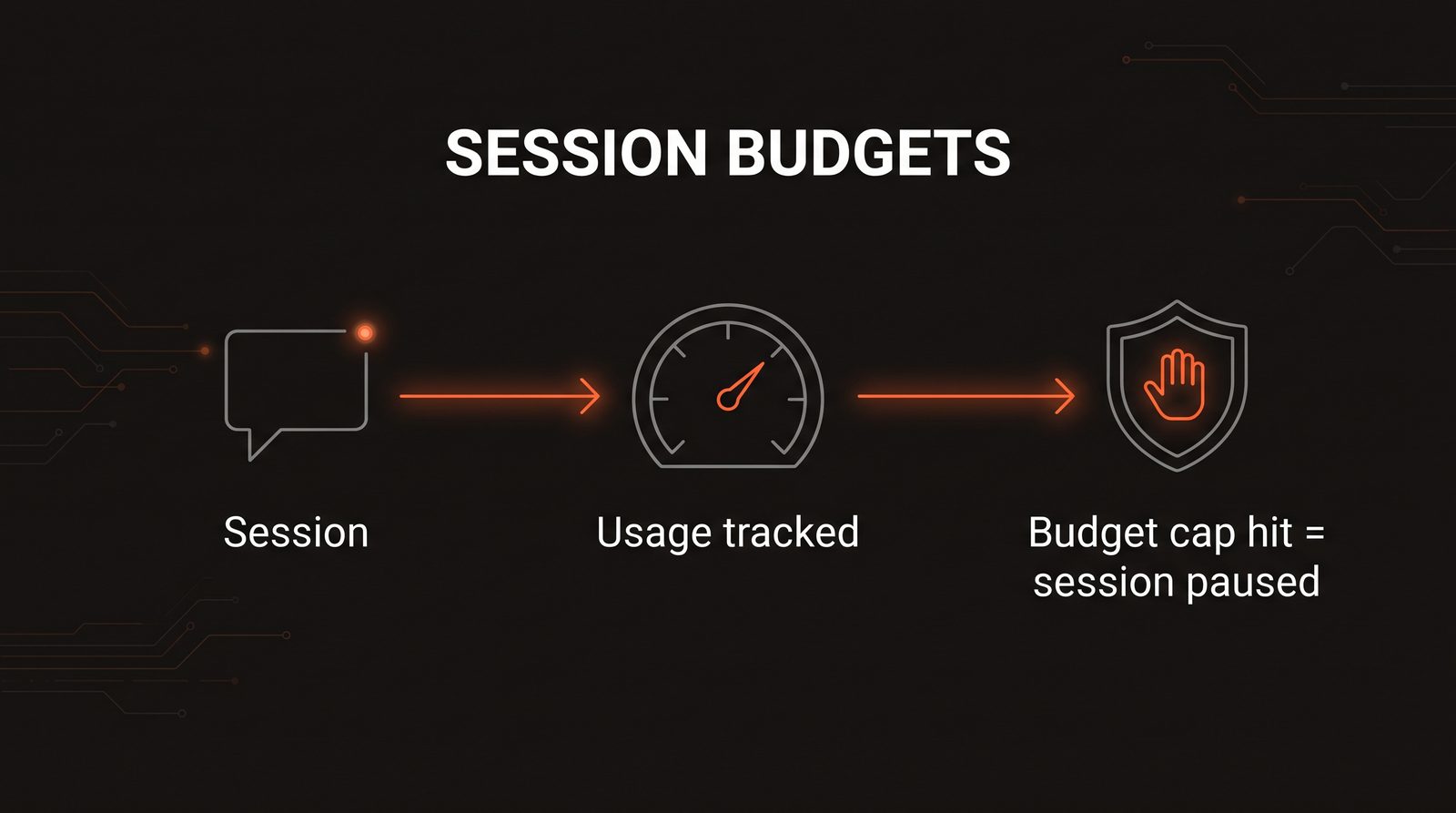
session = client.managed_agents.sessions.create(
    agent="my-support-agent",
    budget={"max_cost_usd": 2.00}   # hard cap, enforced server-side
)
stream usage as the session runs
for event in session.stream():
    if event.type == "session.usage":
        print(event.usage.list_cost, event.usage.active_seconds)
That session.usage stream event is the key difference from the Agent SDK's total_cost_usd. It's live, server-enforced telemetry, not a number you read after the fact.
When to use Managed Agents:
- You're exposing an agent to end users and can't risk an unbounded bill from a runaway session
- You don't want to own session persistence infrastructure at all
- You need per-session cost observability without building your own token-usage pipeline
- Org-level reporting matters too. Managed Agents sessions roll up into the Console's Usage and Cost pages and the Usage and Cost Analytics API
Claude Agent SDK vs Managed Agents: The Comparison
| Claude Agent SDK | Managed Agents | |
|---|---|---|
| Who hosts sessions | You (local disk, or your own store) | Anthropic (server-side) |
| Session resume | continue / resume / fork_session | Built into the platform |
| Cost visibility | total_cost_usd after the run | Live session.usage stream |
| Budget enforcement | None, you build it | Hard max_cost_usd cap, server-enforced |
| Infra you own | The process, the session store | Just the agent definition |
| Maturity | Stable, production-proven (Claude Code runs on it) | Beta |
Which One Should You Build With?
If you're building an internal tool, a CLI, or anything where you control who's running the agent and for how long, the Agent SDK is the right call. You already trust the caller, so an unbounded session isn't a real risk, and you probably want the control anyway.
If you're putting an agent in front of customers, or anywhere a bad prompt loop could turn into a surprise bill, Managed Agents' budget caps solve a problem the Agent SDK genuinely doesn't: nothing in the SDK stops a session from spending money. That's a feature you'd otherwise have to build yourself, including rate limiting, a cost circuit breaker, and a kill switch, and Managed Agents ships it as a config field.
If you're not sure yet, start with the Agent SDK. It's the mature, battle-tested path (it's literally what Claude Code runs on), and migrating a specific customer-facing agent to Managed Agents later, once you know it needs hard budget enforcement, is a much smaller decision than committing to a beta platform on day one.
The Bottom Line
The Agent SDK and Managed Agents aren't competing products. They answer different questions:
- Agent SDK: "I'll host the sessions, just give me the agent loop."
- Managed Agents: "Host the sessions for me, and don't let this cost more than I budgeted."
Pick based on who you're building for. A session you control doesn't need a budget cap. A session a stranger can start absolutely does.
Building an agent and not sure which hosting model fits? Let's talk about getting the session and cost model right before you ship.
Want to work together?
I help businesses build AI automation solutions that deliver real results.
Get in Touch